
 ASSET HELP / TROUBLESHOOTING
Before you start
This setting belongs to the Blueprint and is saved with it.
How to
Open the Finish step
In Blueprints, select 4 Finish.
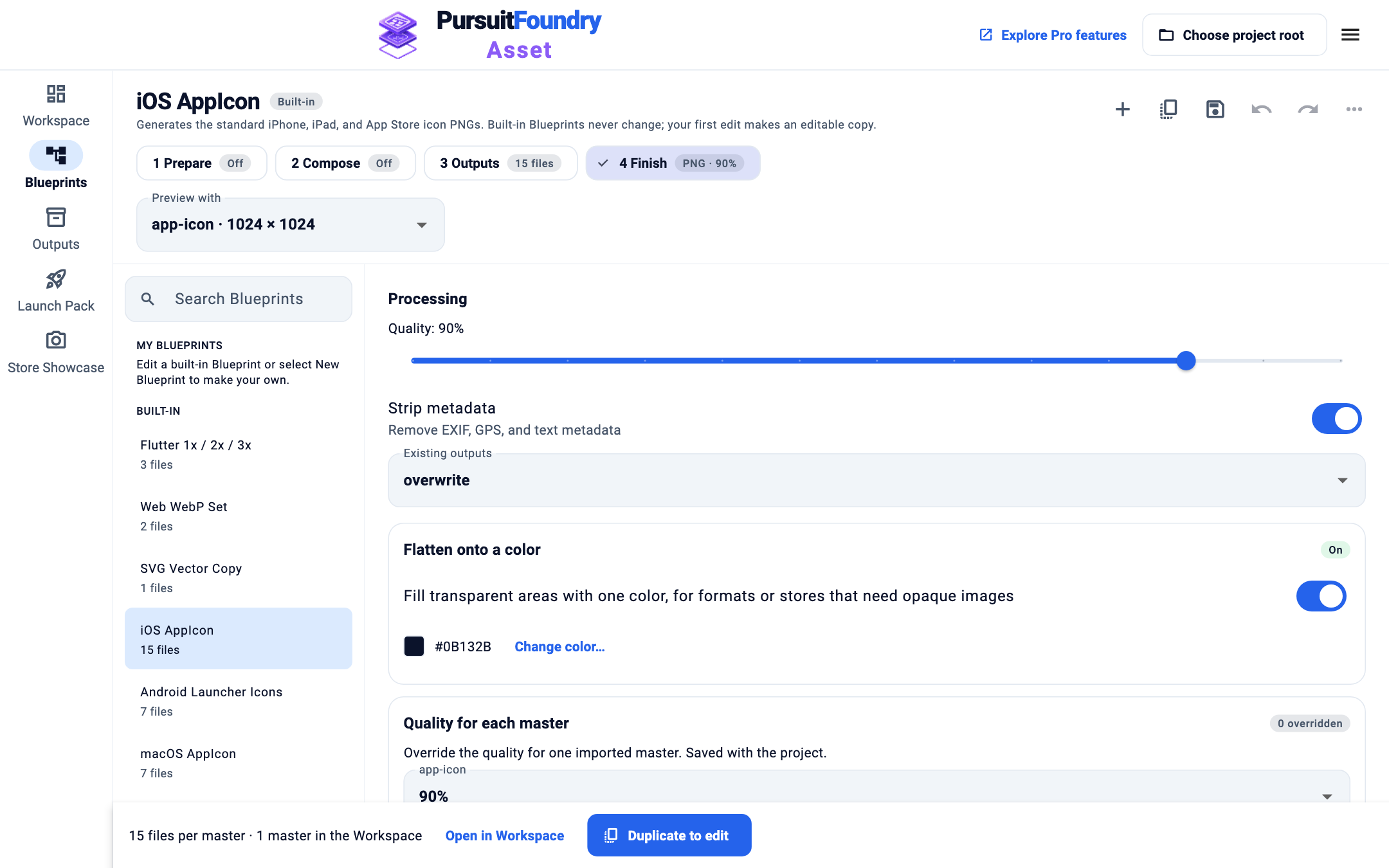
Choose Existing outputs
Under Processing, open Existing outputs and choose overwrite, skip or fail.
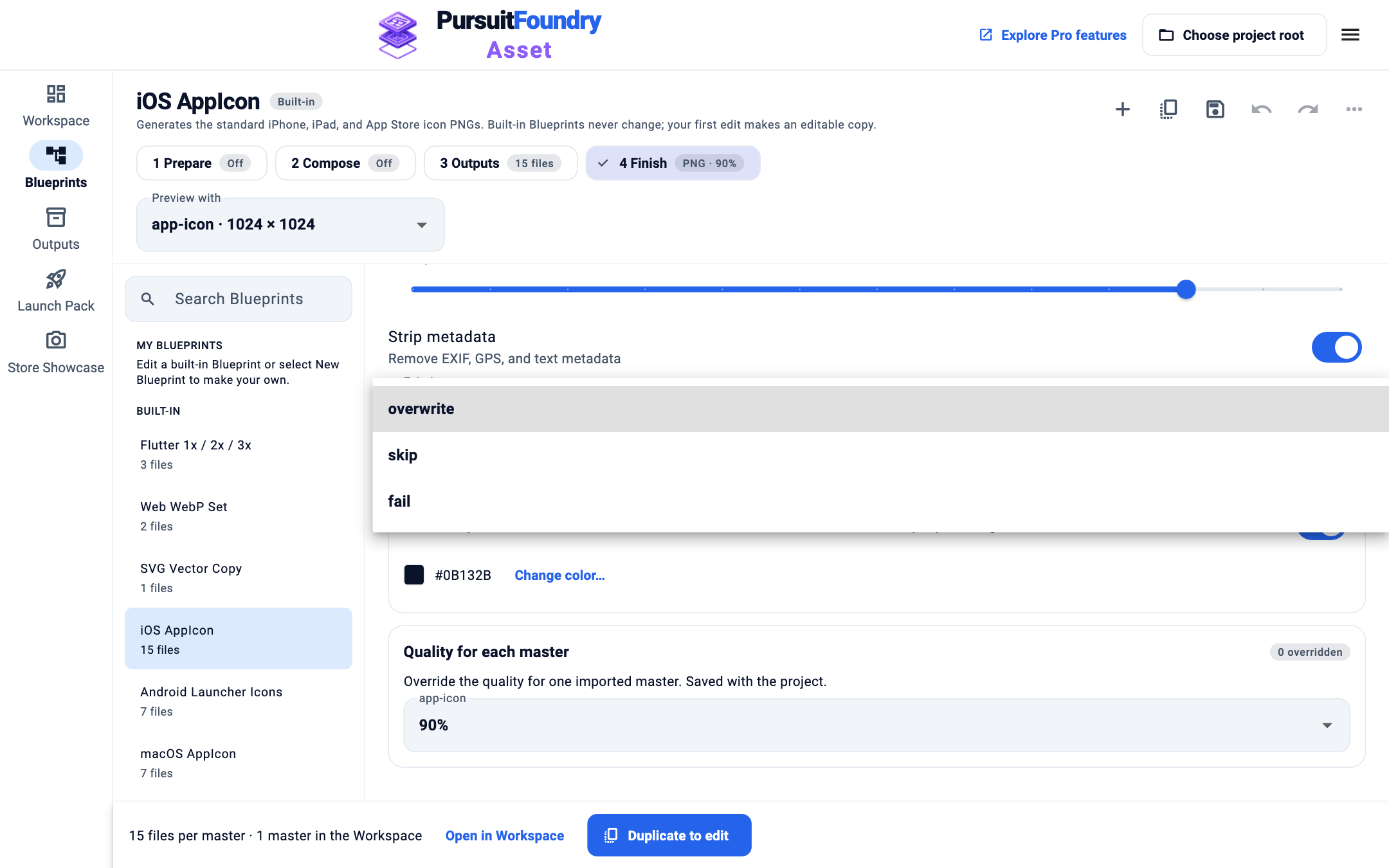
Generate
Run the Blueprint as usual. The setting applies to images and to text files such as
Contents.json.
Options
| OPTION | WHAT IT DOES |
|---|---|
| overwrite | Default. Replaces existing files with the new ones. |
| skip | Keeps existing files and writes only the missing ones. |
| fail | Checks the whole folder before writing anything and stops with “An output already exists” if any file is there. Nothing is changed. |
Results
Launch Pack and Store Showcase always export to a new folder, so this setting does not affect them.
Troubleshooting
- Old files remain after I removed a step.
- Asset only writes files the Blueprint plans. Delete the old files yourself, or use a new folder.
Related
Asset · Troubleshooting← All Asset help