
 PURSUITFOUNDRY HELP / SHARED
Before you start
The screenshots below are from Asset.
How to
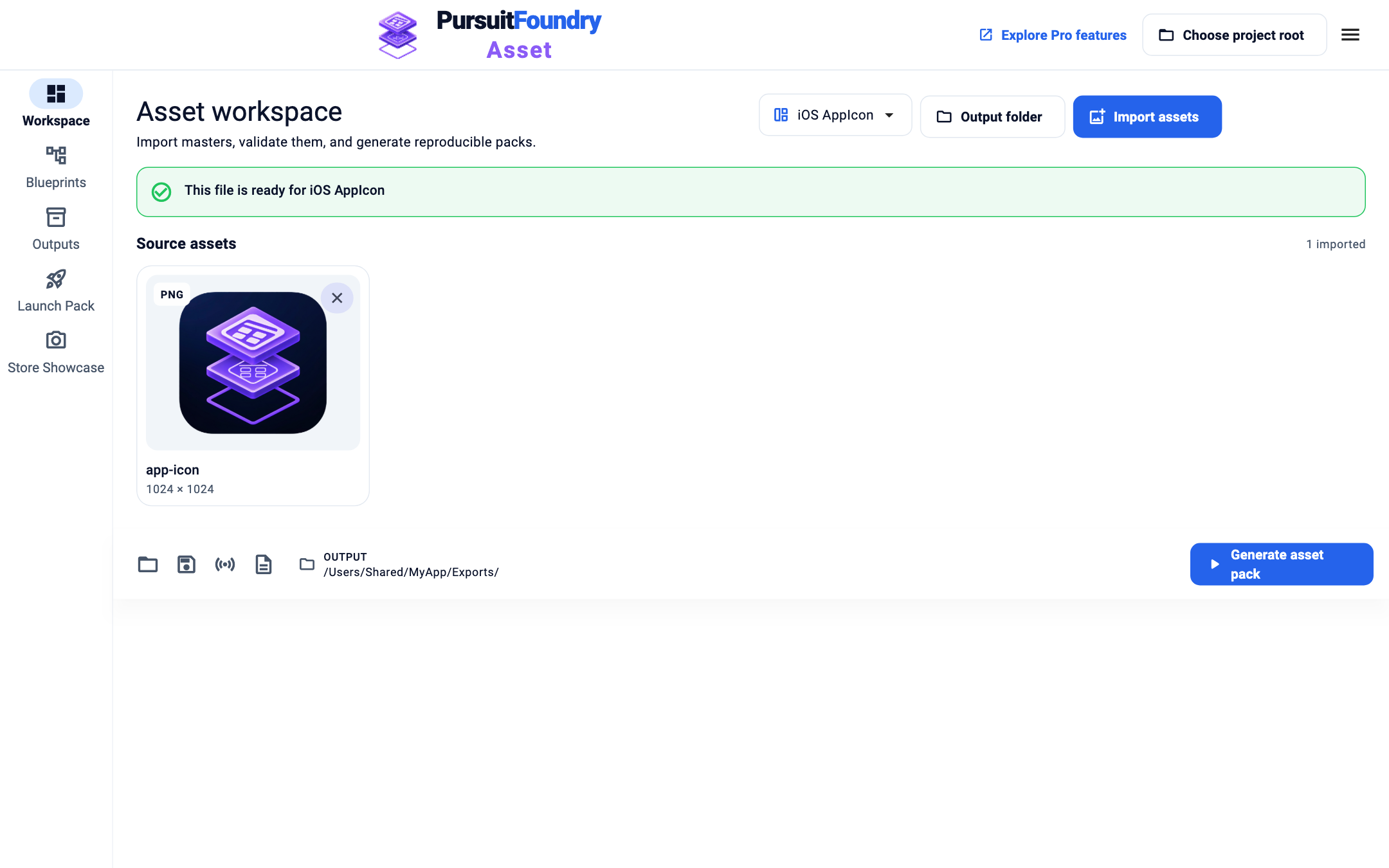
Start a job
Select Generate asset pack. A progress bar shows under the page header while it runs.
Open Outputs
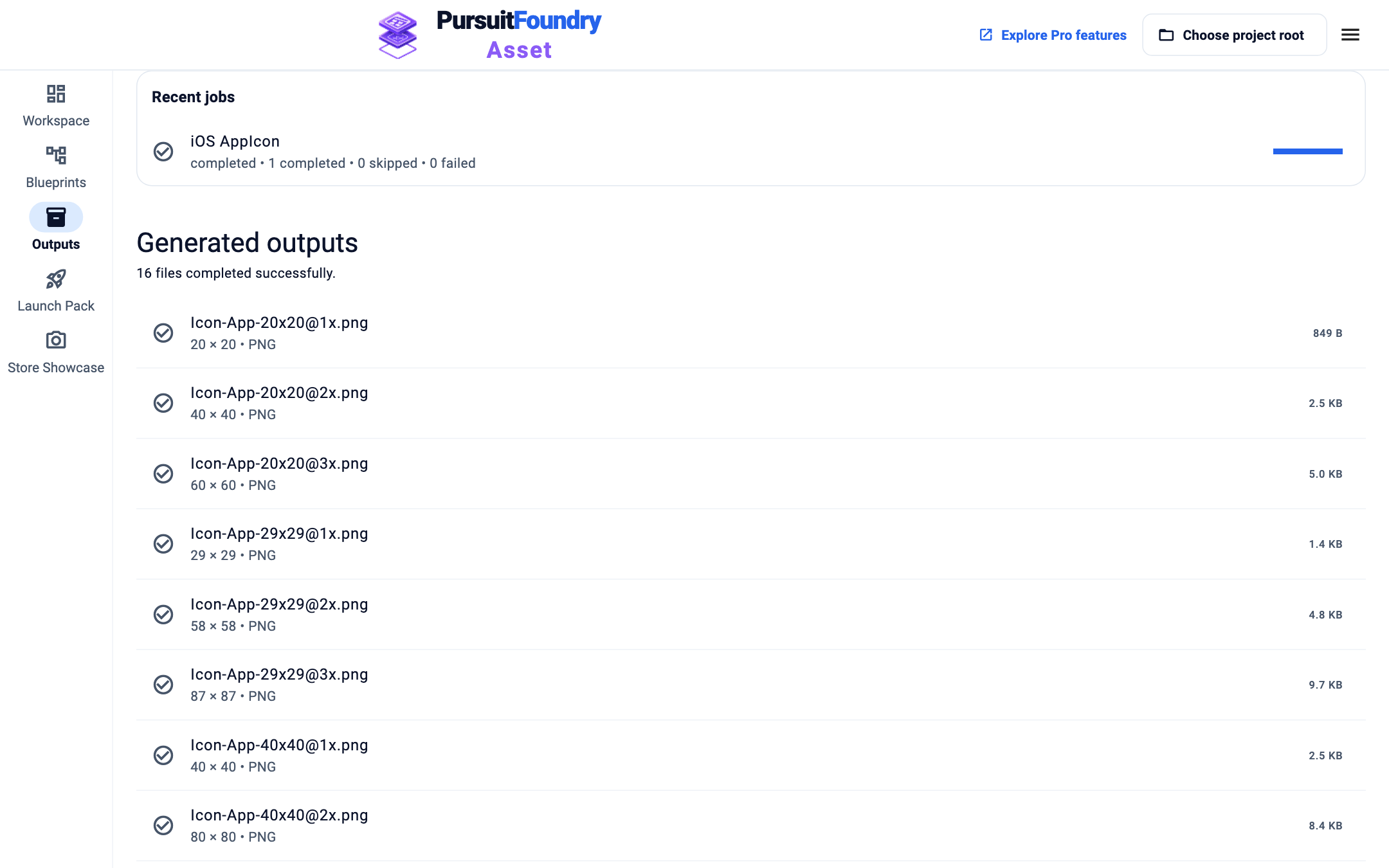
Select Outputs. Recent jobs lists each run with how many items completed, were skipped or failed.
Control a job
Use Pause job, Resume job or Cancel job while it runs, and Retry failed job afterwards.
Find the files
Generated outputs lists each file with its size and format. Select a file to show it in Finder or File Explorer.
Troubleshooting
- Retry isn’t offered.
- Retry appears for failed jobs only. Start a new run with Generate.
- “This run could not be scheduled within available resources.”
- Close other heavy apps or wait for other jobs to finish, then try again.
Related
Shared across every app← Help Center